
I Tried NoteGPT for a Week — Here’s What Actually Happened
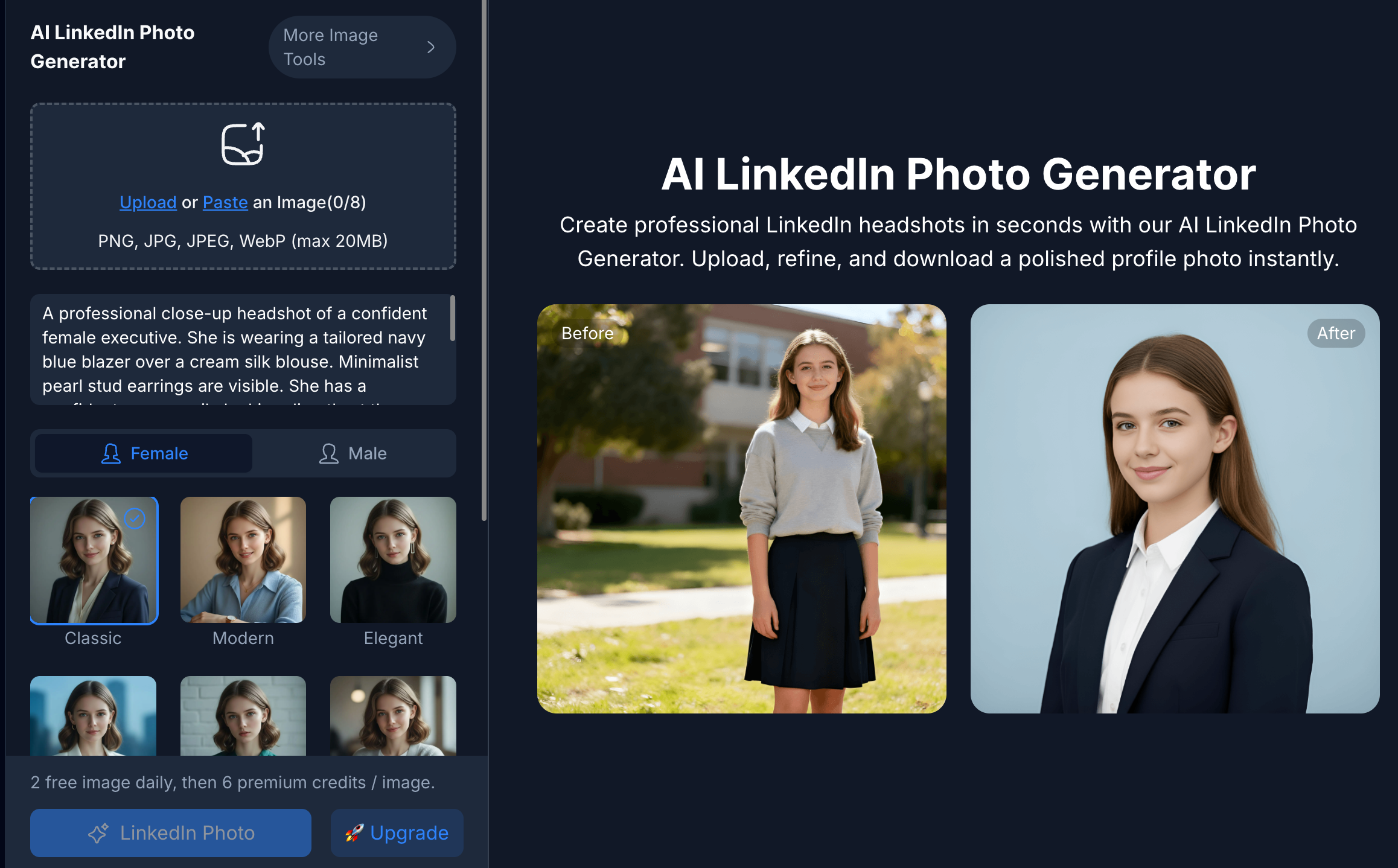
I Tried NoteGPT for a Week — Here’s What Actually Happened So my LinkedIn photo was from 2019. Bad lighting, weird background, the whole thing. I kept telling myself I’d get it fixed “this weekend” for like two months straight. Never happened. Then a friend sent me a link to NoteGPT and said “just try the photo thing, it takes two minutes.” I was skeptical. Most of these AI tools promise a lot and deliver a blurry, weird-looking mess. But I gave it a shot anyway, mostly because I was procrastinating on actual work. Uploaded one regular photo. Picked a style. Waited maybe 20 seconds. And the headshot that came back actually looked like me, just… put together. Not some uncanny AI face. That alone got my attention. Okay, But What Else Does It Do? Turns out the photo tool is just one small piece. NoteGPT is actually a whole AI workspace — notes, transcripts, images, voiceovers, videos, even slide decks — all sitting in one dashboard instead of scattered across ten different apps. I use it mostly for two things now. First, summarizing long videos. I watch a lot of long-form YouTube stuff for work, and instead of taking notes manually (or worse, rewatching sections), I just drop the link in and get a clean summary with timestamps. Saves me a solid hour most days. Second, the voiceover tool. I needed a quick voiceover for a short client video last week and didn’t have time to book anyone. Generated one in NoteGPT in about ten minutes. Not perfect — I still had to tweak the pacing a bit — but way faster than the alternative. Who’d Actually Find This Useful If you’re a student who’s tired of pausing lecture videos every ten seconds to write things down, this helps a lot. Same if you make content regularly and don’t have a team to handle photos, voice, and video separately. And honestly, if you just need a decent LinkedIn photo without paying a photographer, that alone might be worth it. What About the Price? There’s a free plan, so you don’t have to pay anything to test it out first — that’s what I did. If you end up using it a lot, the paid tiers start around $9–10 a month, which honestly isn’t bad compared to paying separately for a transcription tool, an image editor, and a voice generator. You can just go try it here: notegpt.io The Not-So-Great Parts I’ll be honest, the free credits disappear fast if you’re using it daily. A couple of the more advanced features are locked behind the paid plans too. And like every AI tool out there, it’s not going to be perfect every time — I still double check anything important before I actually use it. But for what it costs, and how much time it’s saved me this week alone, I’m keeping it around. If you’ve got a messy pile of tasks like I did — old photos, long videos, no time — it might be worth ten minutes of your evening to check out. 👉 Give NoteGPT a try